
ERP AND DATA INTEGRATION
Bring ERP data into Power BI management reports
We transform sales, inventory, finance, purchasing, hotel and operations data held in ERP systems into a reporting-ready model. The objective is a controlled and maintainable data flow that does not disrupt the source system.
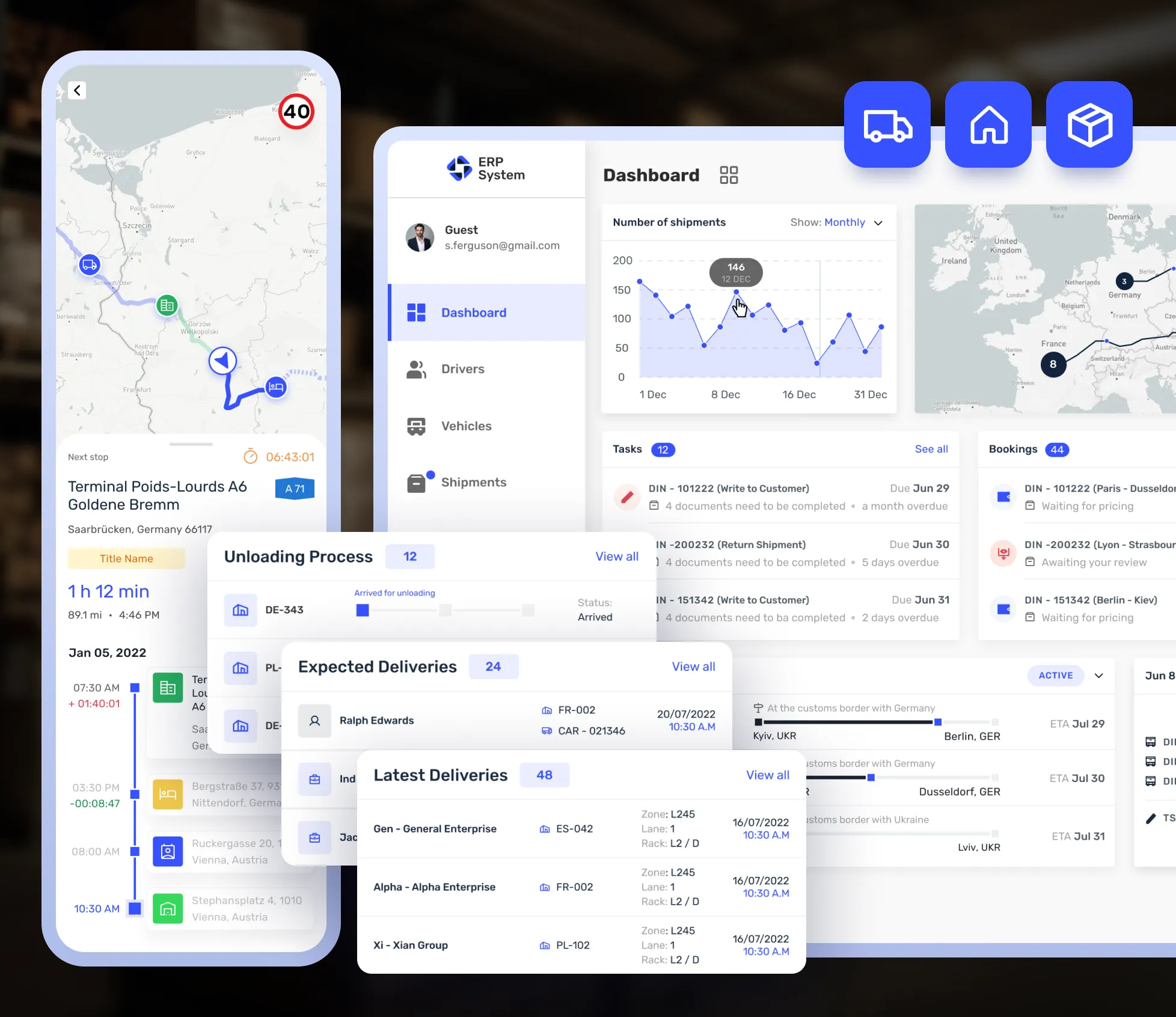 ERP operations dashboard
 SEDNA
SEDNASCOPE
What can be delivered with this service?
Analysis of ERP tables and fields
SQL views or an intermediate data layer
KPI dictionary and Power BI model
Refresh, permission and data-quality controls
USE CASES
Solutions tailored to your workflow
Power BI reporting, SQL data models and management dashboards for Logo Tiger, Sedna, Materials Control and other ERP systems. Project scope is defined by evaluating the current data structure and user needs together.
- ✓Logo Tiger sales and finance dashboard
- ✓Sedna hotel reporting dashboard
- ✓Materials Control cost and inventory report
- ✓Combining multiple ERP systems or companies
APPROACH
A controlled and transparent delivery process
We first understand the problem and the data, then develop through small, verifiable steps.
- 1
Requirements analysis
Users, process, outputs and success criteria are defined.
- 2
Technical review
Files, data sources, access methods and business rules are reviewed.
- 3
Development and validation
The solution is built and interim results and calculations are validated together.
- 4
Delivery and handover
Usage, maintenance points and required documentation are handed over.
FREQUENTLY ASKED QUESTIONS
ERP Reporting: frequently asked questions
Can every ERP system connect to Power BI?+
The connection depends on the SQL, API, web service or file-export options available in the ERP. The best method is selected during discovery.
Will reporting affect ERP performance?+
Query load and refresh frequency are considered carefully. Views, staging tables or a separate reporting database can be used when required.
Can different ERP systems be combined in one report?+
Yes, when shared codes and business rules can be defined, different sources can be unified in a central reporting model.
FREE DISCOVERY CALL
Let's discuss your ERP Reporting requirements
Tell us briefly about your current file, data source and target output. We will assess the right solution together.