
EXCEL VBA AND MACROS
Automate repetitive Excel work with VBA and macros
Instead of opening the same files, copying data and formatting reports every day, we build Excel VBA solutions that run the process with one action. Existing macros can be improved, or a reliable automation can be created around your workflow from the ground up.
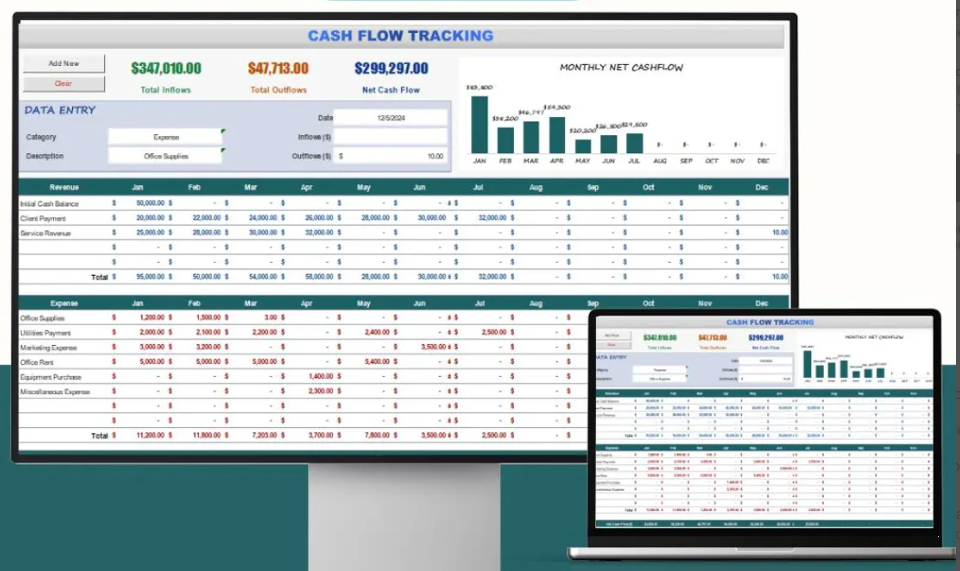 Cash flow tracking
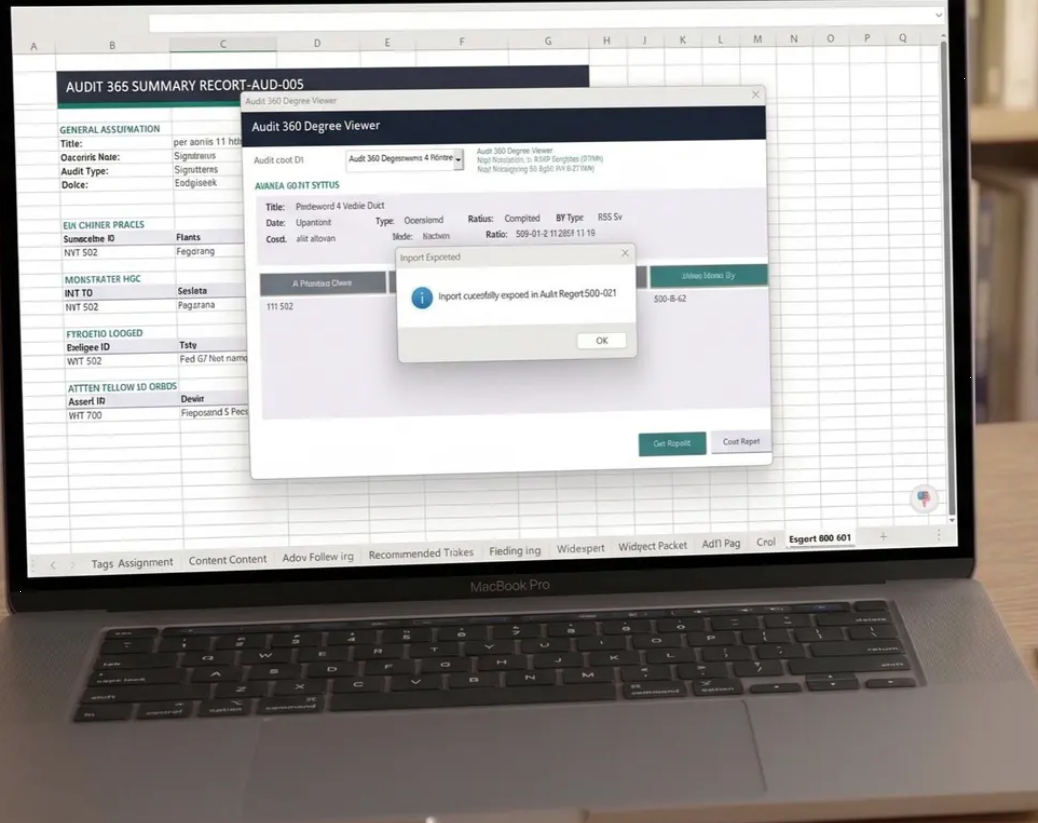 Audit application
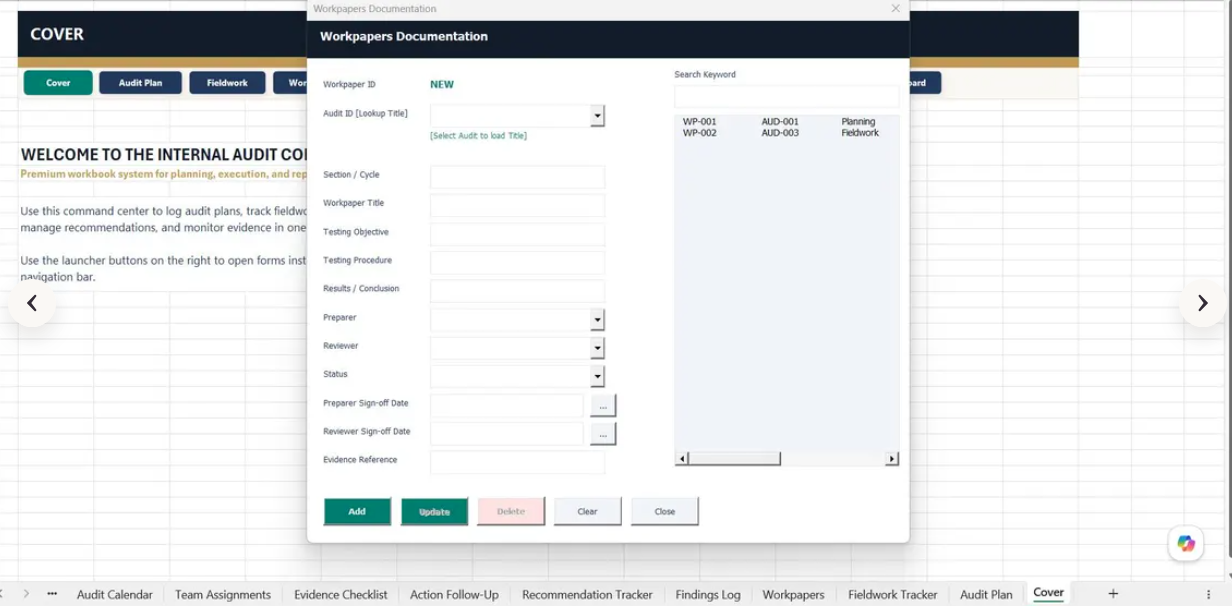 Controlled data entry
SCOPE
What can be delivered with this service?
One-click report preparation
Multi-file consolidation and data cleansing
UserForms and controlled data entry
Excel, Outlook, PDF, SQL and ERP connections
Excel'den otomatik PDF oluşturma ve Outlook ile e-posta gönderimi
Hata veren, yavaşlayan eski makro ve kodların onarımı
USE CASES
Solutions tailored to your workflow
Excel VBA macro development, file consolidation, automated reporting, UserForms, data cleansing and Excel automation services. Project scope is defined by evaluating the current data structure and user needs together.
- ✓Automated daily and monthly reporting
- ✓Combining hundreds of files from a folder
- ✓Automated email and PDF delivery from Excel
- ✓Fixing and accelerating existing VBA code
APPROACH
A controlled and transparent delivery process
We first understand the problem and the data, then develop through small, verifiable steps.
- 1
Requirements analysis
Users, process, outputs and success criteria are defined.
- 2
Technical review
Files, data sources, access methods and business rules are reviewed.
- 3
Development and validation
The solution is built and interim results and calculations are validated together.
- 4
Delivery and handover
Usage, maintenance points and required documentation are handed over.
FREQUENTLY ASKED QUESTIONS
Excel VBA: frequently asked questions
Do I need to share my file for an Excel macro project?+
A sample file or a copy with sensitive data removed may be enough for the initial review. If real data is required, a secure transfer method is agreed separately.
Can you repair old VBA macros?+
Yes. Macros that fail, run slowly or have compatibility problems with newer Office versions can be reviewed and improved.
Can teams without macro knowledge use the solution?+
Yes. Clear buttons, instructions, validations and error messages can minimise the technical knowledge required from users.
Makro kullanmayı bilmeyen ekipler bu dosyaları çalıştırabilir mi?+
Kesinlikle evet. Kullanıcı için sade butonlar, net açıklamalar, veri giriş doğrulamaları ve anlaşılır hata mesajları tasarlanarak teknik bilgi ihtiyacı tamamen ortadan kaldırılır.
FREE DISCOVERY CALL
Let's discuss your Excel VBA requirements
Tell us briefly about your current file, data source and target output. We will assess the right solution together.