
GOOGLE SHEETS AUTOMATION
Automate Google Sheets workflows with Apps Script
We connect manual work across Google Sheets, Forms, Drive and Gmail with Apps Script. The result can be a lightweight business application with shared access, permissions and validation rules.
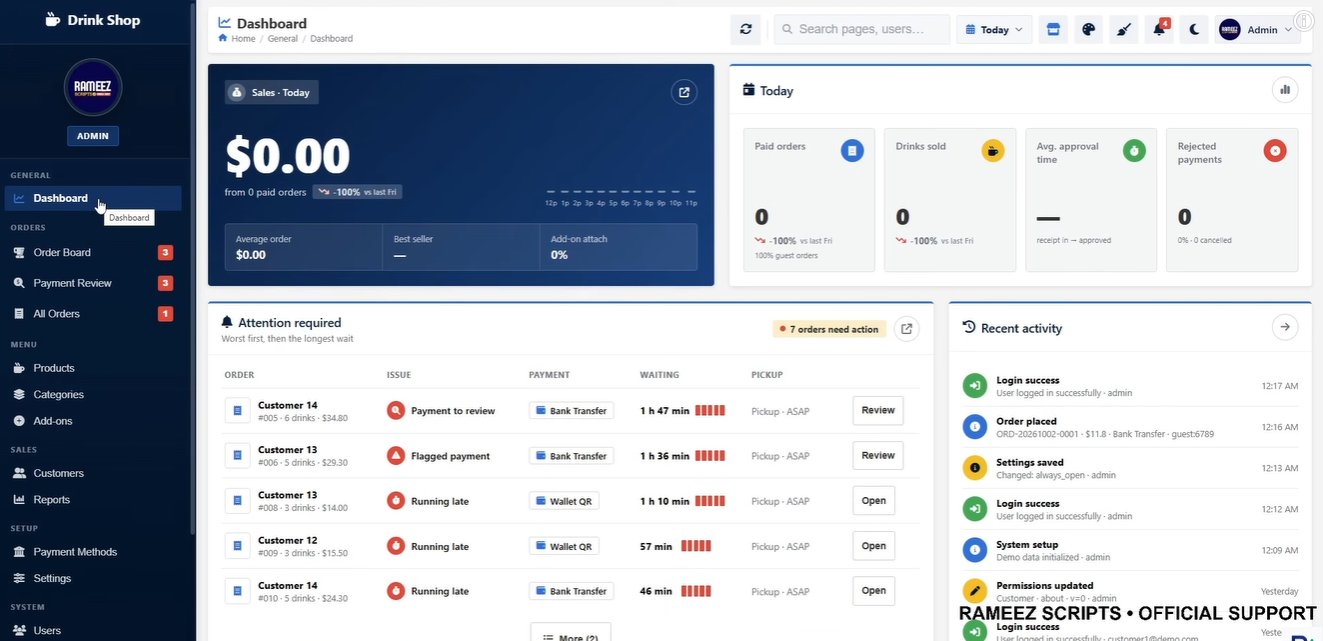 Order management
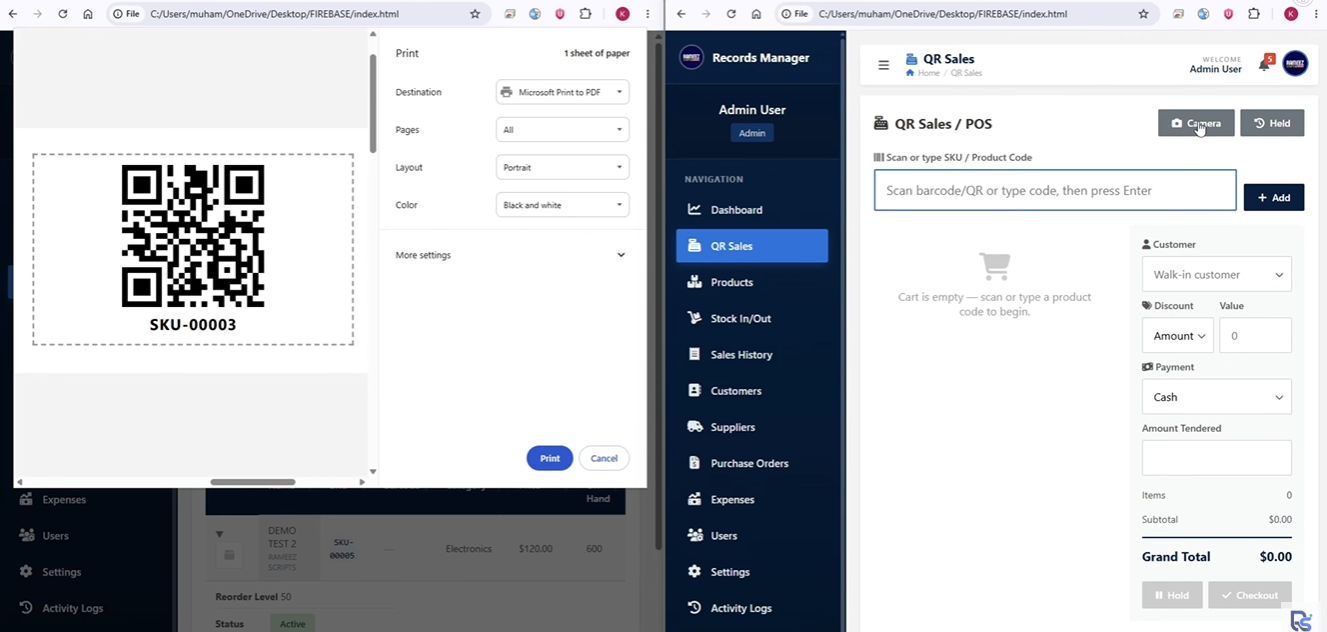 QR menu and sales
SCOPE
What can be delivered with this service?
Controlled form-to-sheet data flow
Automated email, PDF and approval processes
Scheduled tasks and notifications
Custom menus, buttons and user screens
Farklı Google Sheets dosyaları ve harici API'ler arasında canlı veri senkronizasyonu
USE CASES
Solutions tailored to your workflow
Custom Google Sheets and Apps Script automation for forms, email, PDF generation, data transfers and team workflows. Project scope is defined by evaluating the current data structure and user needs together.
- ✓Quotation and order tracking
- ✓Inventory and task management
- ✓Scheduled report delivery
- ✓Lightweight business applications in Google Sheets
APPROACH
A controlled and transparent delivery process
We first understand the problem and the data, then develop through small, verifiable steps.
- 1
Requirements analysis
Users, process, outputs and success criteria are defined.
- 2
Technical review
Files, data sources, access methods and business rules are reviewed.
- 3
Development and validation
The solution is built and interim results and calculations are validated together.
- 4
Delivery and handover
Usage, maintenance points and required documentation are handed over.
FREQUENTLY ASKED QUESTIONS
Google Apps Script: frequently asked questions
Is Google Apps Script free?+
Apps Script runs on Google infrastructure and has usage quotas. Account limits and workload requirements are considered during solution design.
Can you automate my existing Google Sheet?+
Yes. Existing files and workflows can be reviewed and enhanced with buttons, validations, email actions and reports.
Can multiple users work with the same system?+
Yes, when Google Workspace permissions and the file-sharing model are suitable for team use.
FREE DISCOVERY CALL
Let's discuss your Google Apps Script requirements
Tell us briefly about your current file, data source and target output. We will assess the right solution together.